
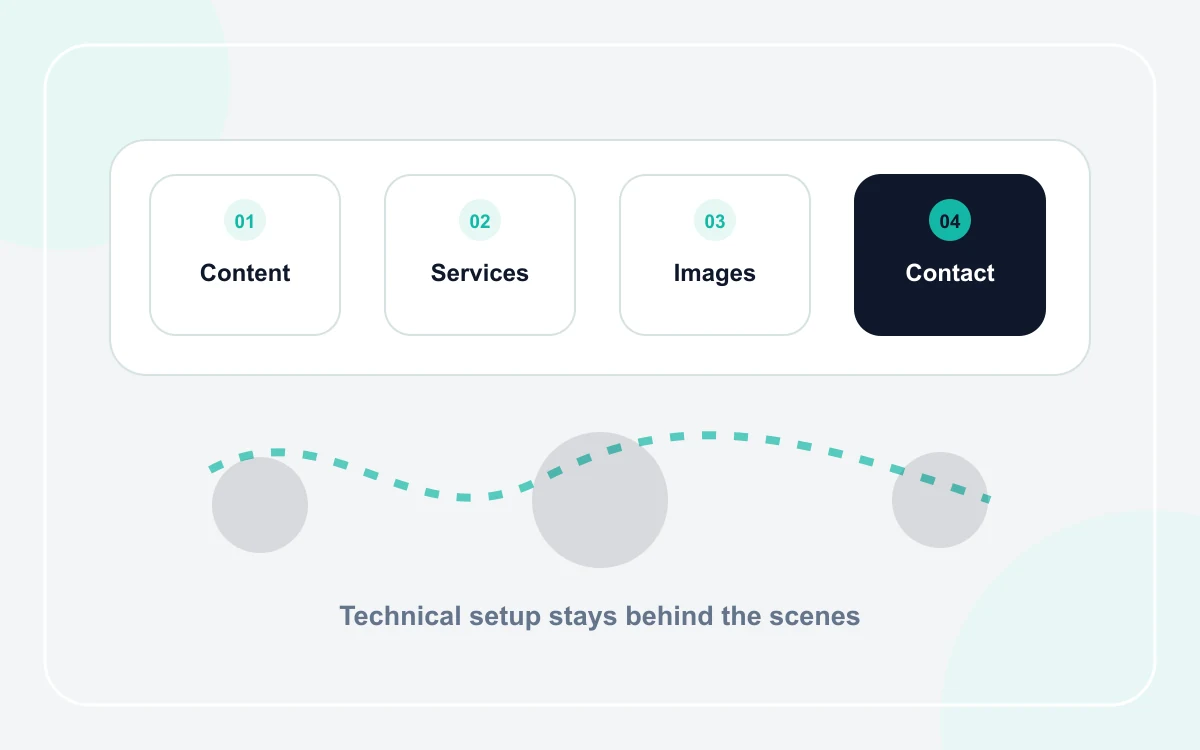
Avoid solving technical problems you do not actually have
A simple service website usually does not require you to choose a frontend framework, database, server architecture, or deployment pipeline. Those are implementation decisions for the platform or developer. Your job is to define the business content and customer journey.
- What services should customers understand?
- What information proves the business is credible?
- What questions do customers ask before contacting you?
- Which contact method should be the primary next step?
Next useful guides: How to create a business website step by step, AI website builder vs website template: which is better?.
Use a guided structure instead of a blank canvas
A blank design tool gives complete freedom, but complete freedom creates many decisions. A business template narrows those decisions to useful choices such as service names, text, images, colors, contact details, and section visibility.
If you are unsure whether to rely on generation or a fixed structure, compare AI website builders with templates.
Prepare a small content kit
Before opening the builder, collect the information in one place. This reduces switching between tools and makes it easier to spot missing details.
- Business name and short description
- Three to six main services
- Service area or customer type
- Phone, WhatsApp, email, and working hours as relevant
- Logo and permitted images
- Two or three proof points such as real projects or credentials
Preview with a simple customer checklist
You do not need a technical testing dashboard to catch the most important content problems. Open the preview, read it from top to bottom, and check whether the offer, proof, and contact path make sense. Technical validation can happen separately.
The full step-by-step website guide can help you organize the process, or you can see how MAMDOHDEV works if you prefer a guided flow.
Frequently asked questions
Do I need coding to create a small business website?
Not if you use a platform or template that handles the technical implementation. You still need to provide accurate business content and review the final customer experience.
What is the easiest way to start?
Choose a template close to your business type, prepare the essential content, enter it into the guided fields, then preview the website before spending time on advanced customization.