
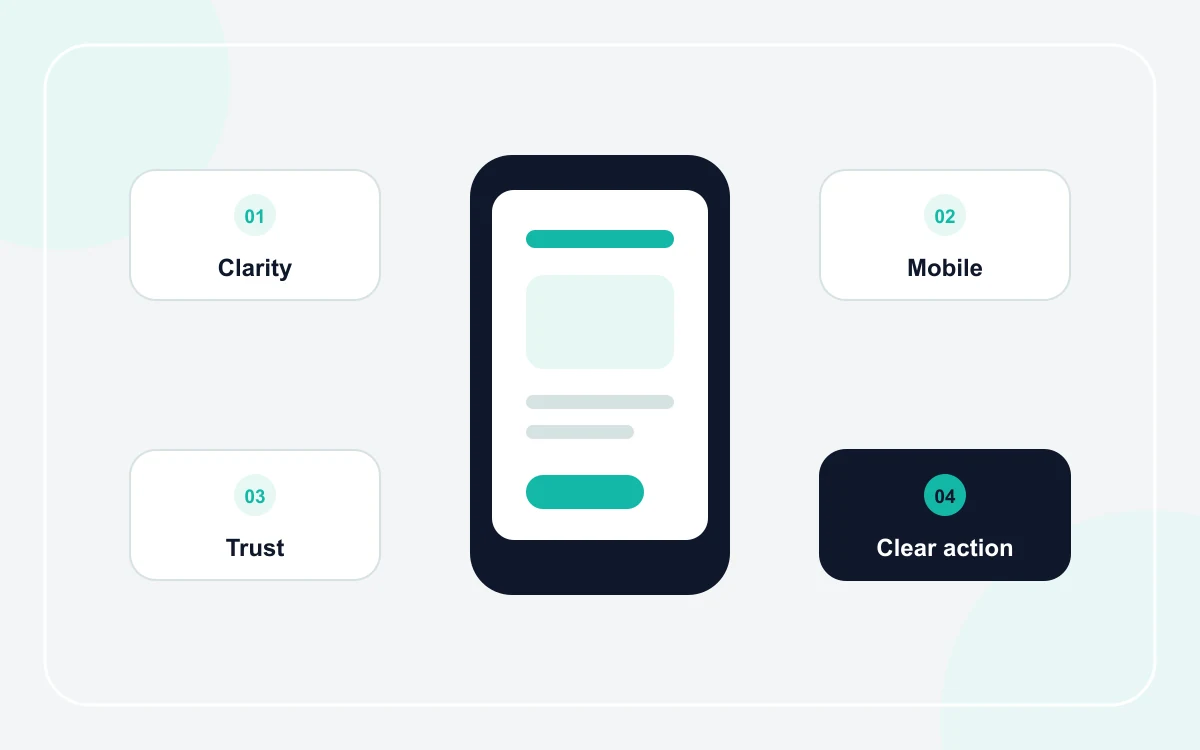
Clarity matters more than decoration
The first screen should answer three questions quickly: what does the business do, where or for whom does it work, and what should the visitor do next? Large animations and clever slogans are not useful if they delay those answers.
- Use a specific headline instead of a generic welcome message.
- Keep one primary call to action visually clear.
- Put the most important service information before secondary details.
- Use familiar navigation labels such as Services, About, and Contact.
Next useful guides: How to create a business website step by step, AI website builder vs website template: which is better?.
Design for mobile reading and tapping
A desktop design can look impressive while becoming frustrating on a phone. Text needs comfortable line lengths, buttons need enough space to tap, and cards should stack without forcing horizontal scrolling.
This is especially important for service businesses where customers may be searching while they need help. The maintenance company website guide shows how that changes the content priority.
Use design to support trust, not imitate it
Trust comes from accurate information, consistent contact details, real work examples, clear policies, and claims that can be supported. Good design gives that evidence a clean structure; it should not invent badges, numbers, reviews, or customer logos.
Keep visual choices consistent
- Use a small, repeatable color palette.
- Keep button styles and spacing consistent.
- Use the same tone for headings and service descriptions.
- Prefer real, relevant images over decorative stock photos when possible.
Choose the amount of customization the business actually needs
A well-designed template can be enough when the business needs a clear service site and does not require unusual workflows. Read the comparison of AI website builders and ready-made templates if you are deciding how to start.
Spend customization effort where it changes the customer experience: service content, proof, contact flow, language, and mobile usability. Avoid paying for visual complexity that does not help a visitor decide or act.
Frequently asked questions
What makes a small business website look professional?
Clear hierarchy, readable content, consistent spacing and colors, accurate business information, relevant imagery, and a straightforward contact path usually matter more than visual effects.
Do I need a custom design for a small business website?
Not always. A suitable template can work well when it supports the required pages, brand basics, language, and contact flow. Custom work is more useful when the business has genuinely unusual requirements.