
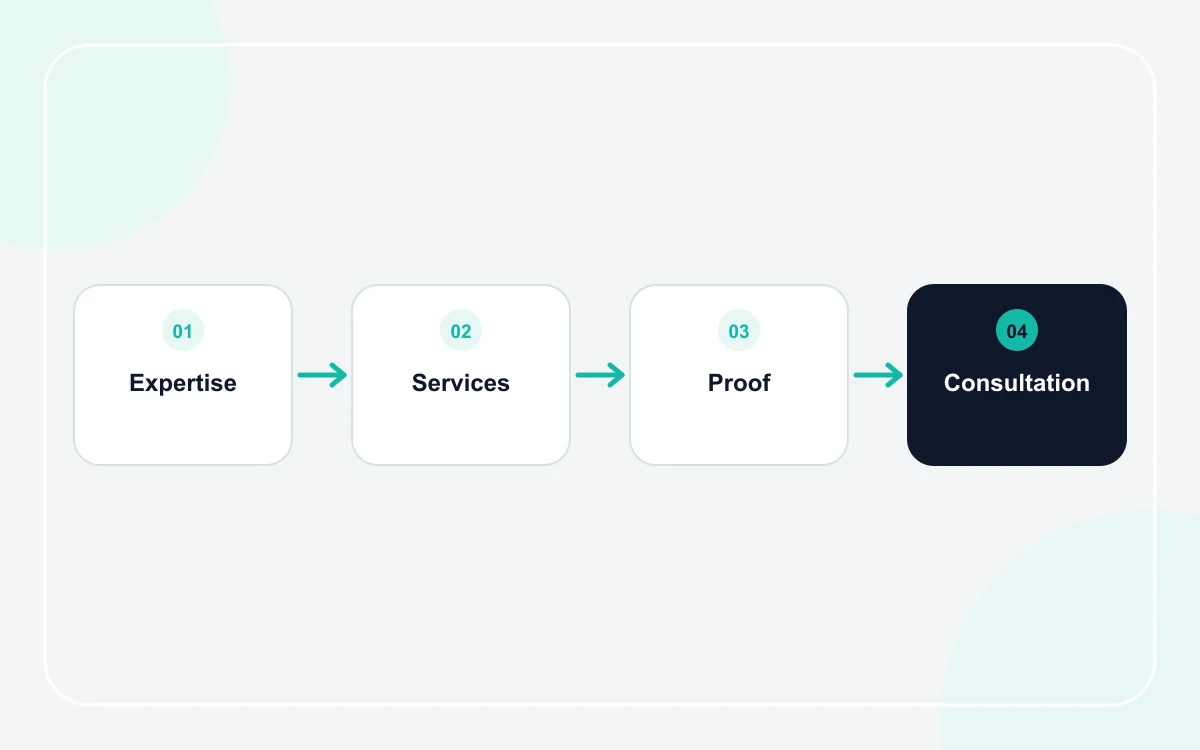
Describe services around client problems
A list of broad labels such as consulting, advisory, or solutions does not explain enough. For each core service, state the situation it addresses, the type of client it fits, the main deliverable, and the next step.
- Who the service is for
- The problem or decision it supports
- What the engagement normally includes
- What information the client should prepare
- How to request a consultation or proposal
Next useful guides: What pages does a small business website need?, Small business website design: what matters most?.
Turn expertise into verifiable evidence
Credentials, team biographies, selected case studies, professional memberships, publications, and client testimonials can all help when they are accurate and permitted. Explain why each item matters instead of displaying a wall of logos or titles without context.
For regulated professions, be especially careful with titles, guarantees, outcomes, and claims. The website should reflect the actual scope and applicable rules of the business rather than borrowing language from competitors.
Design a clear consultation or inquiry path
Professional services often need more context than a simple call button. Use a short inquiry form that asks for the service, organization or customer type, preferred contact details, and a concise description of the need. Avoid requesting sensitive information before it is necessary.
Set response expectations
If your team responds during specific working hours or follows a defined intake process, say so. Clear expectations reduce repeated follow-ups and make the service feel organized before the first conversation.
Keep the structure professional and easy to scan
Professional does not mean dense. Use short sections, descriptive headings, restrained visuals, and a clear hierarchy. A visitor comparing several firms should be able to find services, credentials, team information, and contact options without reading every line.
Review the business website pages guide for page planning, then explore the general business templates for a simple visual starting point.
Frequently asked questions
What should a professional services homepage say first?
State the core service or problem you solve, the type of client you serve, and one clear next step. Support that with concise evidence rather than generic claims about excellence.
Should every team member have a profile?
Only when it helps clients evaluate the service. Include the people whose role, credentials, or expertise are relevant, and keep their information accurate and approved for publication.